Single photo
Profile images, memes, posters, and one-off edits. Start here when you need one finished image.
Open photo face swap
DeepSwapAI swaps faces in any photo in seconds. Realistic HD results, no watermark, and your files are auto-deleted after 24 hours.
Pay once, no subscription: credit packs start at $19.99 for 600 credits, enough for up to 100 HD photo swaps with no watermark. See all prices
Try a sample
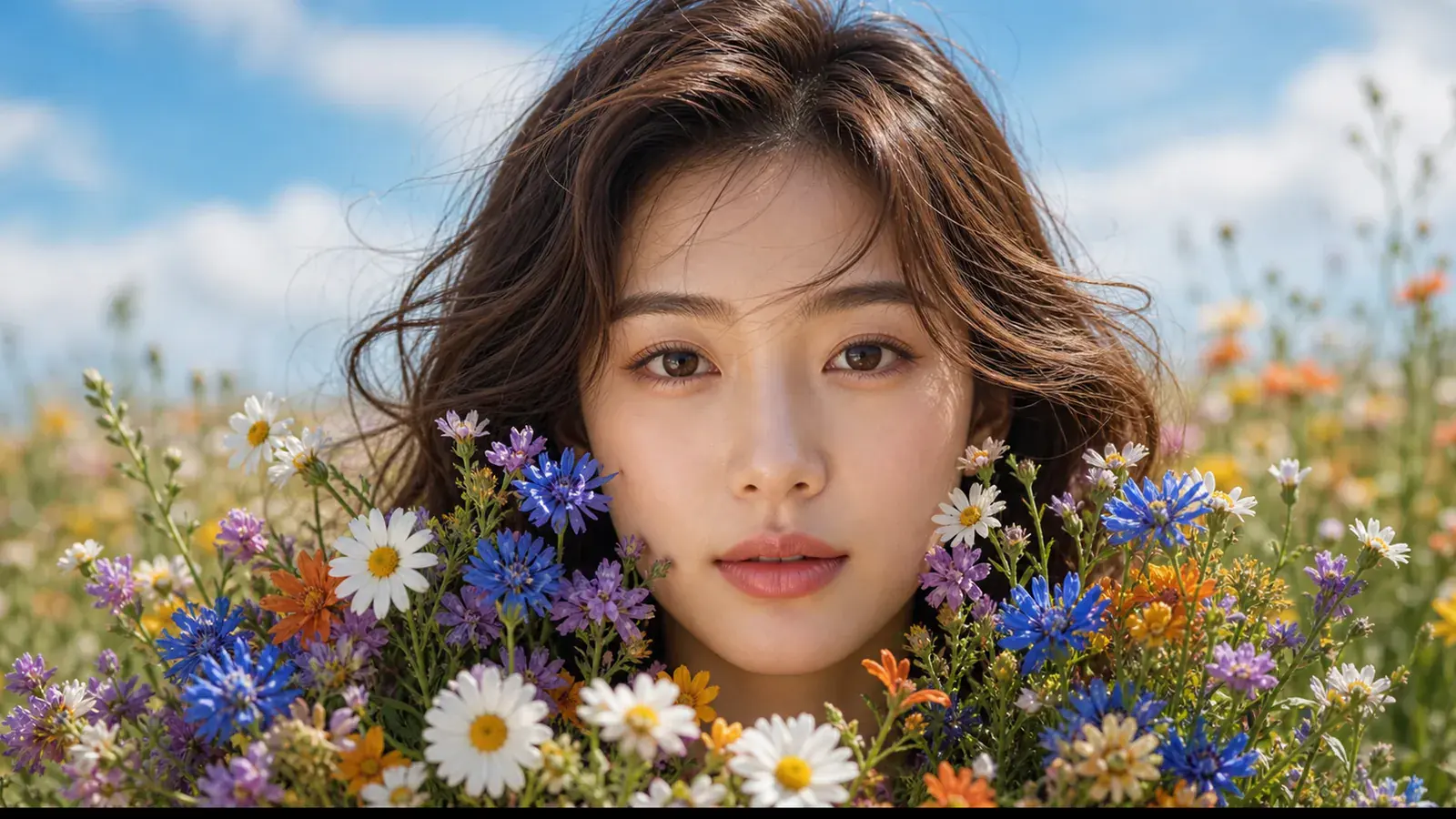
Pick a face and a photo. These results were generated in advance with DeepSwapAI, so nothing is uploaded and no credits are used.


Everyone shown is an AI-generated demo image, not a real person. Each result is one run, shown without retouching.
DeepSwapAI Studio
Upload, map, preview, and switch between photo, batch, group-photo, video, and GIF workflows in one focused workspace.
Photo workflow
Upload a source photo and a face reference, then replace the identity while keeping the scene.
Output
Controls
Real output
Everyone shown is an AI-generated DeepSwapAI demonstration image, not a real person. We show one completed run of this workflow exactly as it came back.
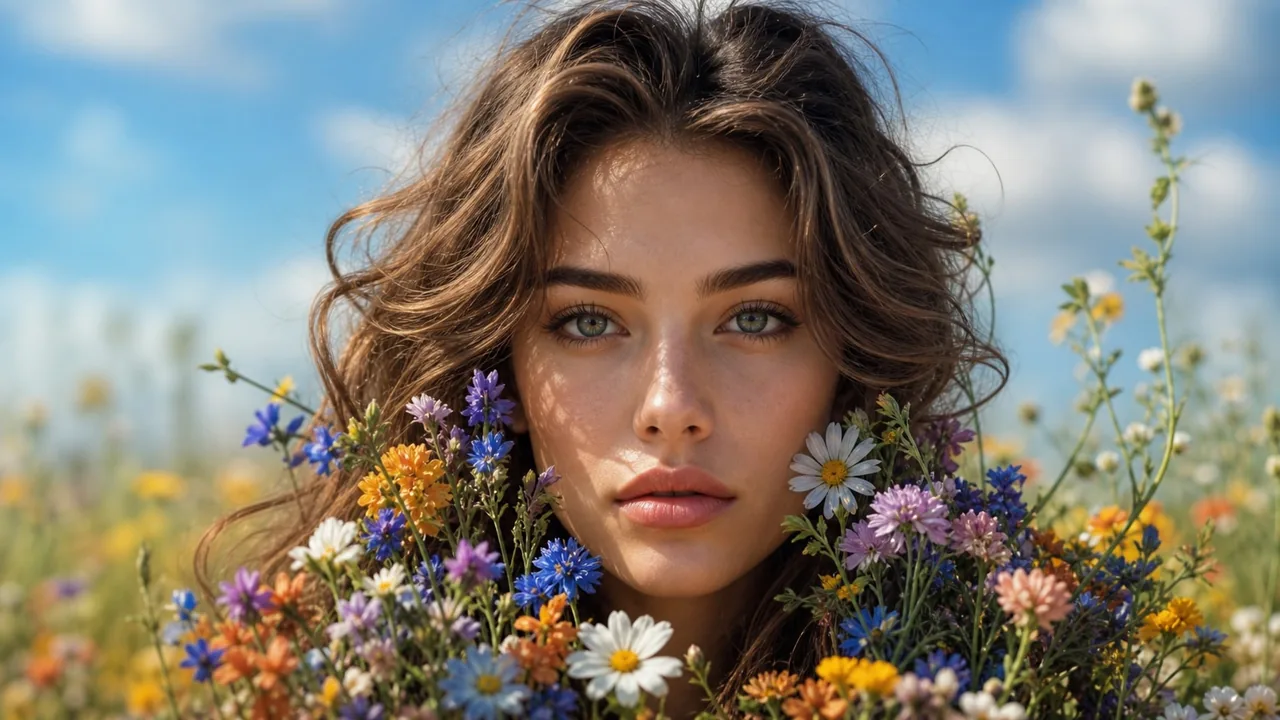
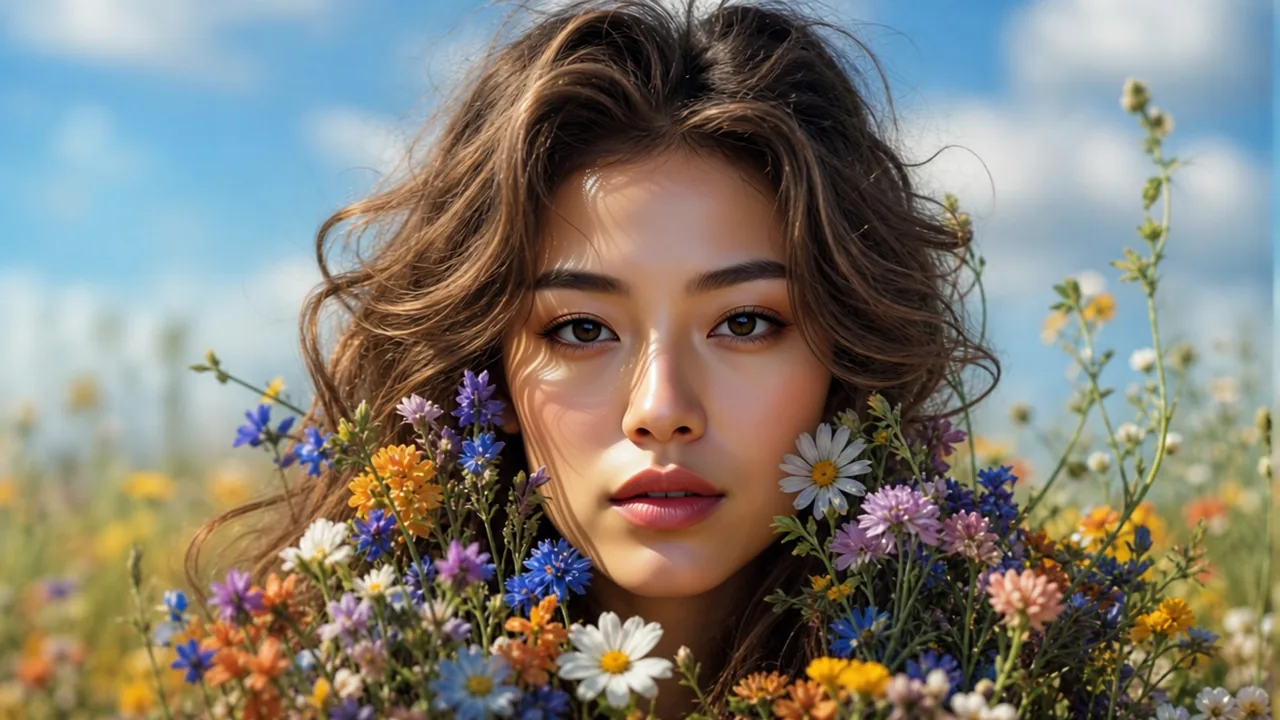
Pose, hair, clothing and light come from the scene photo; the face comes from the face photo.
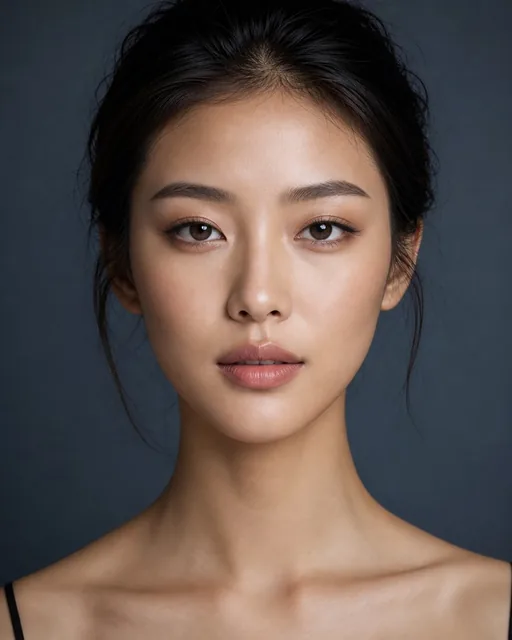
Face photo used · Charged: 6 credits
No customer upload, stock photo or real person was used. Each result comes from one completed run on a paid account (no trial watermark) and is shown without retouching; web copies are resized and re-encoded. One example is not a quality benchmark. See the inputs and run details
How it works
Choose the photo or video where the final deep swap should happen. Batch modes support multiple source files.
Upload the identity reference. DeepSwapAI focuses on face replacement without repainting the original scene.
Preview the queue and generate a result designed to preserve expression, lighting, hair, pose, and background detail.
Start with the right workflow
DeepSwapAI keeps five distinct jobs in one studio. Pick the smallest workflow that matches the output you need, then test a representative input before scaling up.
Profile images, memes, posters, and one-off edits. Start here when you need one finished image.
Open photo face swapApply one face across many photos, or create separate versions of one target. Up to 20 images per batch.
Open batch face swapMap different reference faces to selected people inside one group photo. Up to 10 mapped faces.
Open multiple face swapUse video for clips up to 10 minutes at the fixed highest 1080p tier, or GIF for loops up to 30 seconds.
Open video face swapHonest quality guidance
Results vary with source resolution, lighting, pose, face size, occlusion, and motion. No face swap tool can guarantee a perfect result for every file.
The exact credit total appears before submission. Failed generations are automatically refunded, and uploads plus generated media are deleted within 24 hours.
One-time credit packs
Buy credits once and use them across photo, batch, group-photo, video, and GIF workflows. No recurring charge or automatic renewal.
Basic
600 credits
≈ 100 photo swaps
Choose $19.99 starter packStandard
Best first purchase900 credits
≈ 150 photo swaps
Get 900 creditsPremium
Save 5% per credit3,150 credits
≈ 525 photo swaps
Get 3,150 creditsFAQ
Direct answers about the two-image input, pricing, credits, full-email image watermark, and media retention.
A deep face swap uses one scene photo and one identity photo. The scene photo supplies the body, hair, pose, clothing, lighting, and background; the identity photo supplies the facial identity cues. Upload and share only media and likenesses you are permitted to use.
No. The free preview and free credit rewards ended on October 11, 2026. A photo face swap costs 6 credits, and credit packs start at $19.99 for 600 credits — up to 100 photo swaps — with no subscription. Once you buy credits, every new image export is watermark-free.
Put the main scene image in Source Photo and the separate identity portrait in Target Face. Source Photo keeps the body, hair, pose, clothing, lighting, and background; Target Face supplies the facial identity cues.
One photo task costs 6 credits. The required amount is shown before submission, and current package prices are listed on the pricing page.
DeepSwapAI removes uploads and generated media from its servers within 24 hours. The selected media is sent to an inference provider only to complete the requested task. It is not used to train models.
Upload one scene photo and one clear face photo. Each can be a JPG, PNG or WebP file up to 30 MB.
Use sharp, well-lit faces that are large enough to inspect and have similar viewing angles. Motion blur, tiny faces, occlusion from hands or hair, glare, and extreme side profiles can reduce consistency. For video or GIF, test the hardest short segment before submitting the full duration.
You keep whatever rights you already hold in your uploads and outputs, but DeepSwapAI does not grant rights to another person’s likeness or media and does not provide a blanket commercial license. Obtain consent and check applicable law, source-media licenses, and platform rules before publishing.
Setup is free. Credits are only used when you generate.
Practical guides
Private input preflight
Troubleshooting
Image quality
Output evaluation
Workflow choice
Image export rule
Privacy and consent
Group-photo mapping
Developer integration
AI face swap online