Change a photo background with a prompt
Describe the new background, such as a beach at sunset, and keep the subject.


Preview 2K AI image editing free with no sign-up. Sign in to generate for 17 credits; buy once for future watermark-free images—no subscription.
Free to start: Explore the controls and preview your uploaded photo free, with no sign-up. AI editing requires a verified account and 17 credits. This is not a free generated sample. See all prices
0/1000
17 credits · Failed tasks are not charged
These examples use DeepSwapAI's public brand image, not a customer's photo. Each one is a single completed generation made with a preset tool, not a quality benchmark or a promise of the same result.
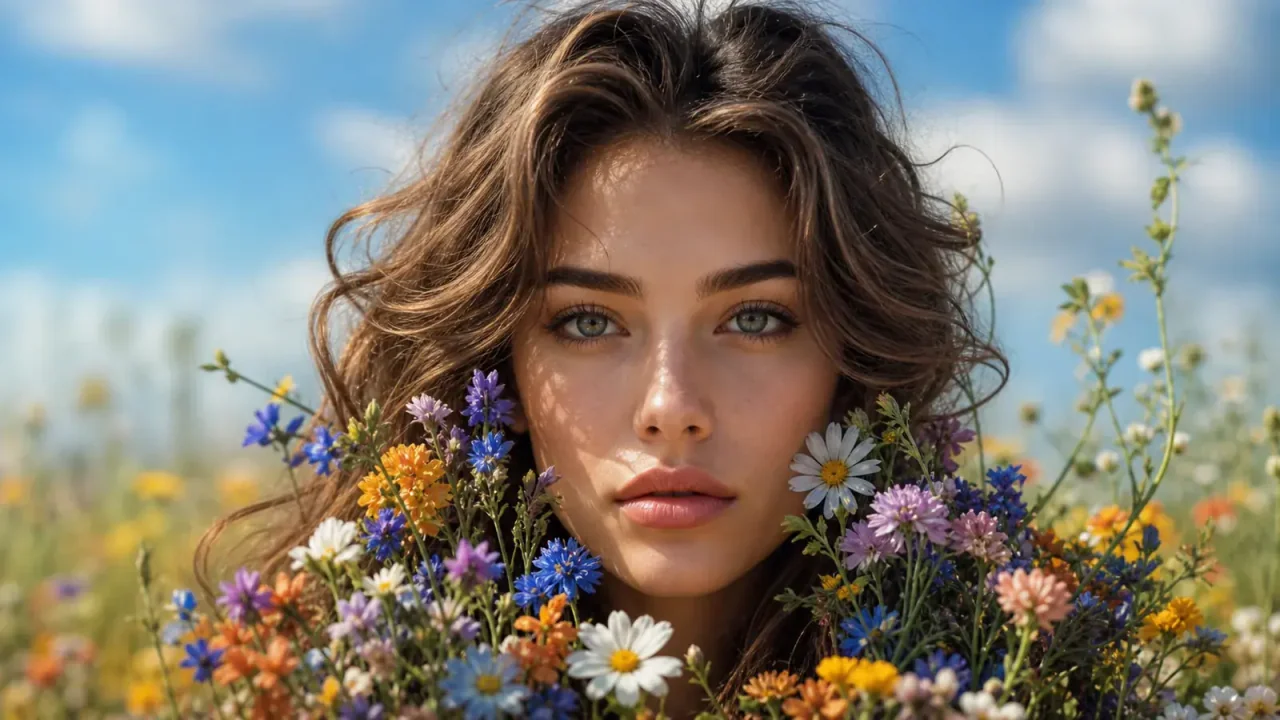
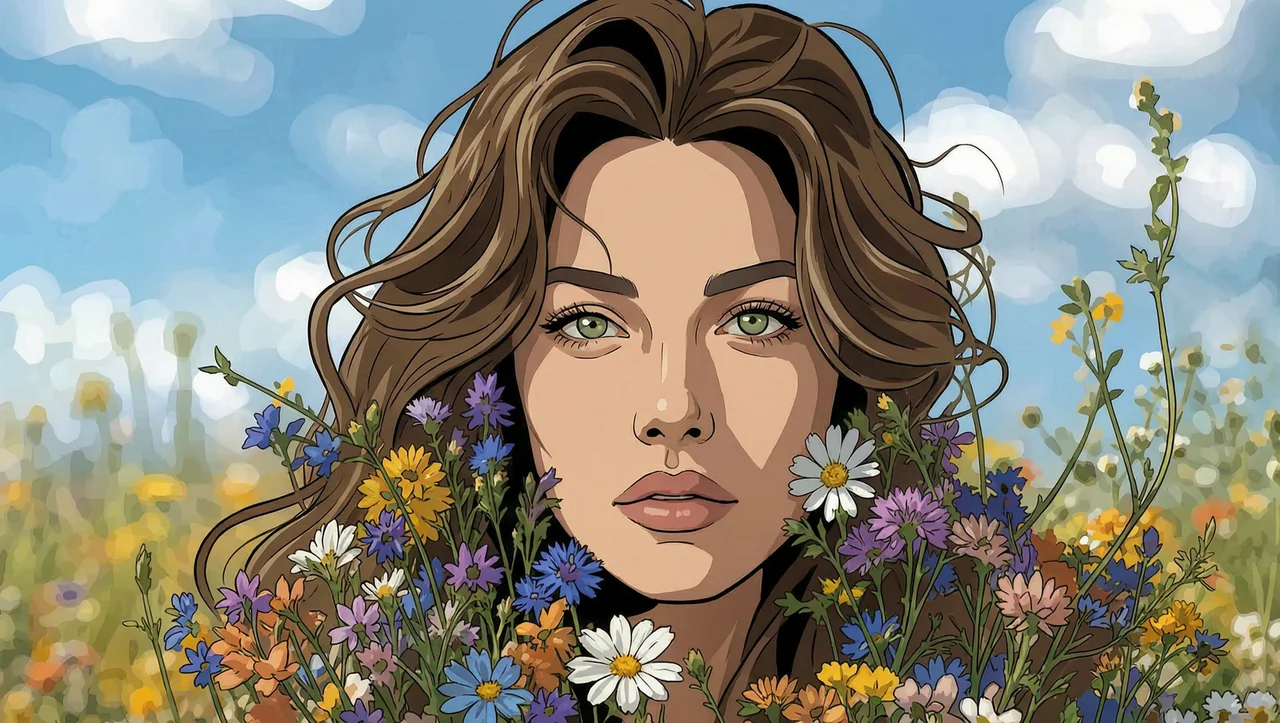
Art style: Comic illustration · Detail level: Balanced
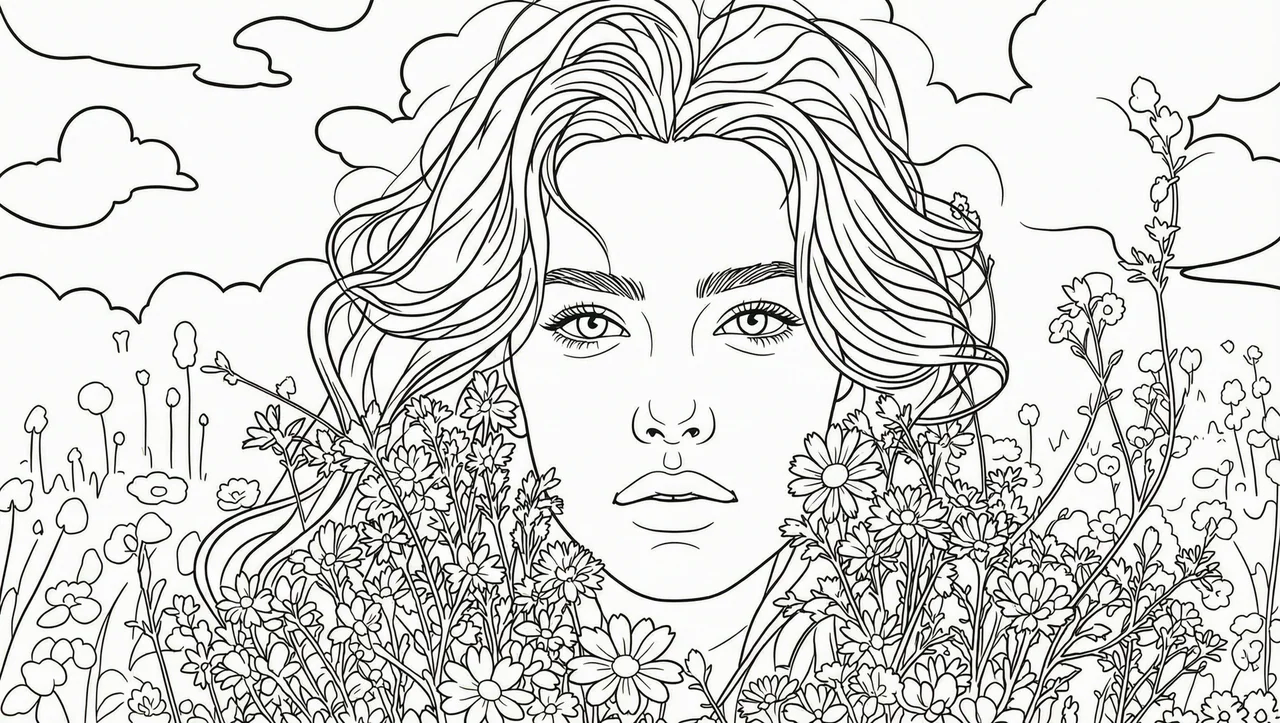
Detail level: Balanced detail · Line weight: Medium
Describe the new background, such as a beach at sunset, and keep the subject.
Ask the editor to remove a distracting object or to add a new one to the scene.
Turn a gray sky blue or give a daytime photo an evening look.
Adjust colors or apply an artistic style by describing the look you want.
Simply describe what you want in words and our AI does the complex editing work. No software skills needed.
Select the image you want to edit. Supports JPG, PNG, and WebP formats.
Type what you want to change in natural language. Be as specific as possible.
AI applies your edits and generates the transformed image. Download in high resolution.
Background changes, object addition/removal, style transfers, color adjustments, weather effects, and artistic transformations.
The edited image is saved as a PNG at about 2K resolution, so its size can differ from your original. For best results, start with an image of at least 512 × 512 pixels.
Describe the area you want to edit in your prompt (e.g., 'change the sky to sunset'). The AI identifies and edits relevant areas.
Each generated image uses 17 credits. Credits are sold in one-time packs, starting at $9.99 for 200 credits, with no subscription. A failed generation is not charged.
You can open the controls and preview your uploaded photo without signing up. Generating an image needs a verified account and 17 credits. Until an account's first credit purchase, its images carry a watermark with DeepSwapAI.com and the account's full email address.
JPG, PNG or WebP images up to 15 MB. Only upload photos you own or have permission to use.
Uploaded photos and generated images are deleted automatically within 24 hours and are never used to train AI models.
One-time credit packs
Buy credits once and use them across every DeepSwapAI tool: face swap, image editing, 8K upscaling, and text-to-image. No recurring charge or automatic renewal.
Basic
Best first purchase200 credits
Choose $9.99 starter packStandard
Save 29% per credit700 credits
Get 700 creditsPremium
Save 36% per credit2,500 credits
Get 2,500 creditsUpload only photos you own or have permission to use, especially when real people appear in them. Each upload is processed only for the task you request.