Frame continuity
Watch the face through turns, blinks, speech, and camera movement. Look for identity jumps or sudden shape changes.
How to face swap a video online
Use a five-step browser workflow: measure the clip locally, test its hardest movement, match a clear reference face, confirm the exact credit total, and review the whole result before sharing.
Current product walkthrough
The main video above was rebuilt from the current August 27, 2026 product contract: fixed highest 1080p output, a 600-second duration ceiling, a 95 MB target-video ceiling, a 30 MB reference-image ceiling, and a 95 MB combined request ceiling. It demonstrates preparation and current limits only; it does not contain customer media, present a generated result, or imply a quality benchmark.
Clip scouting
| Clip condition | Risk | Practical response |
|---|---|---|
| Slow, front-facing motion | Lower | Use as the first representative test. |
| Fast head turns or profiles | Higher | Match the reference angle more closely and inspect transition frames. |
| Hands, hair, microphones, or objects cross the face | Higher | Mark the timestamps and judge whether the occlusion is essential. |
| Motion blur or low light | Higher | Use a clearer source clip when possible; upscaling cannot restore missing landmarks. |
| Hard cuts or major lighting changes | Variable | Test each scene separately before processing a long edit. |
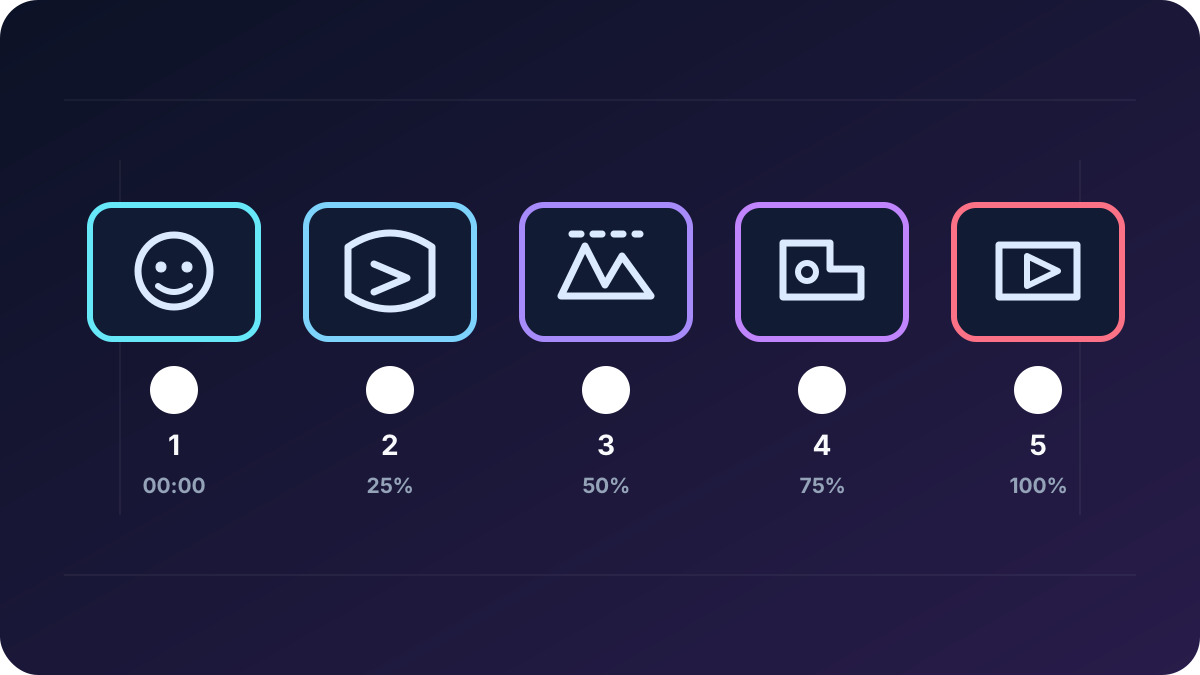
Five-step workflow
Formats, limits, and cost
Before uploading, use the free local video preflight to read browser-visible file size, declared type, dimensions, aspect ratio, duration, rounded-up billed seconds, and face-only credit estimates without sending the selected file. It does not inspect codec, frame rate, audio, face visibility, identity continuity, or output quality.
The current video workspace accepts MP4, MOV, or WebM target videos and JPEG, PNG, WebP, HEIC, or HEIF face references. A reference image can be up to 30 MB; a target video can be up to 95 MB and 600 seconds, and both files must be 95 MB or smaller combined. The interface calculates the required amount before submission.
| Processing mode | Output tier | Current rate | Current minimum |
|---|---|---|---|
| Face-only, scene preserved | 1080p highest tier | 3 credits per rounded-up second | 12 credits |
The workflow changes the face only and preserves the original body, clothing, hands, products, text, logos, framing, and scene; it does not accept broader character or scene replacement. The displayed amount before submission remains authoritative.
Result review
Watch the face through turns, blinks, speech, and camera movement. Look for identity jumps or sudden shape changes.
Inspect the frames before, during, and after an object crosses the face.
Check whether facial shading follows scene light through cuts or exposure changes.
Review hairline, ears, glasses, hands, and jaw edges at the intended playback size.
For short looping motion, use the GIF face swap guide. Use the image quality guide when the problem is already visible in a single frame, and review the privacy checklist before sharing another person's likeness.
Consent and privacy
Confirm that every real person agrees to the edit and its intended audience before upload. DeepSwapAI does not use uploads to train AI models; uploaded and generated media is removed from DeepSwapAI servers within 24 hours. Review the Privacy Policy before sharing another person's likeness.
How this guide was made
The DeepSwapAI Product Team rechecked the current video MIME types, reference formats, file limits, 600-second duration, fixed 1080p pricing, browser-local preflight boundary, queue, 24-hour deletion flow, and public workspace controls on August 27, 2026. The walkthrough uses only first-party workflow illustrations and does not contain customer media or a generated result. The guide does not invent an accuracy score, completion time, or result guarantee; see the verification methodology.
Next workflow checks
Choose a short section that includes motion or occlusion, confirm the displayed credit estimate, and review continuity before processing the full clip.