
How to Face Swap in Videos: Complete Tutorial for Beginners (2026)

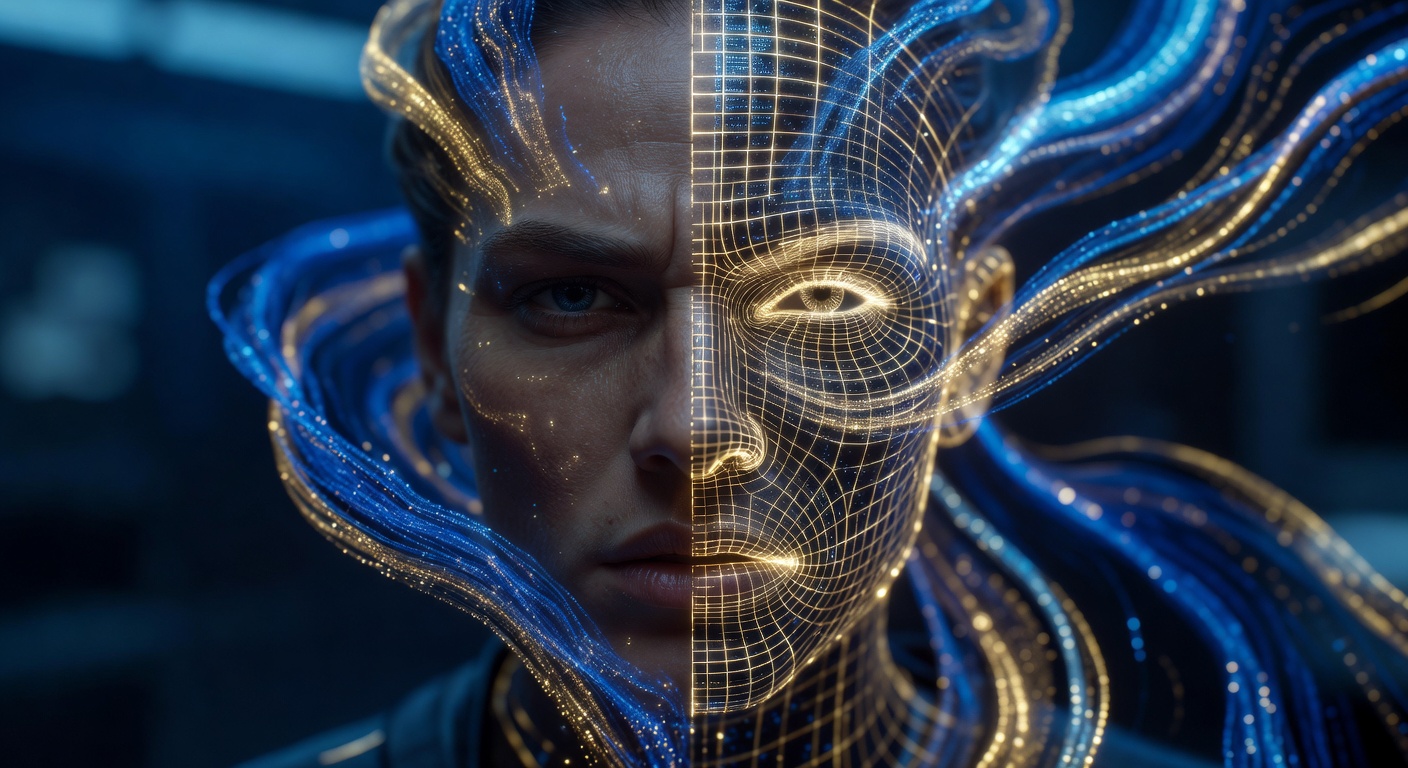
How to Face Swap in Videos: The Complete 2026 Guide
Face swapping in videos has evolved from a complex VFX technique requiring expensive software to something anyone can do in minutes with AI. Whether you're creating content for TikTok, YouTube, or Instagram, this guide will walk you through everything you need to know about video face swapping in 2026.
What is Video Face Swap?
Video face swap uses deep learning AI to replace one person's face with another in a video sequence. Unlike simple photo face swaps, video processing must handle motion tracking, lighting changes, and facial expressions across hundreds of frames. Modern AI tools like DeepSwapAI process all of this automatically, delivering cinema-quality results without any technical knowledge.
Step-by-Step: How to Face Swap a Video
Step 1: Choose Your Source Image
Upload a clear, front-facing photo of the face you want to use. For best results, use a well-lit photo where the face is clearly visible. The AI works with any photo format — JPG, PNG, or WebP.
Step 2: Upload Your Target Video
Select the video you want to apply the face swap to. DeepSwapAI supports videos up to 10 minutes long in MP4, MOV, and AVI formats. The AI automatically detects faces in every frame of the video.
Step 3: Process and Download
Click the swap button and let the AI work. Processing time depends on video length — a 30-second clip typically takes 1-2 minutes. Once complete, download your face-swapped video in full HD quality with no watermarks.
Tips for Better Results
- Lighting matters: Use source photos with similar lighting to your target video for the most natural results.
- Face angle: A front-facing source photo works best, as the AI can generate other angles from it.
- Resolution: Higher resolution source photos produce better quality swaps.
- Video quality: Start with the highest quality video you can — the AI preserves the original video quality.
Creative Ideas for Face Swap Videos
Content creators are using face swap technology in increasingly creative ways:
- Movie scene recreations: Put yourself into iconic movie scenes
- Music video parodies: Create hilarious music video parodies with friends
- Historical recreations: Bring historical figures to life in educational content
- Marketing personalization: Create personalized video messages at scale
- Social media content: Generate viral-worthy TikTok and Instagram Reels
Face Swap Ethics and Best Practices
While face swap technology is powerful, it's important to use it responsibly. Always get consent when using someone else's likeness, clearly label AI-generated content, and never use face swaps for deception or harassment. DeepSwapAI includes built-in safety measures and complies with GDPR regulations.
Why Choose DeepSwapAI for Video Face Swaps?
DeepSwapAI stands out from other face swap tools with its cinema-grade video processing, support for videos up to 10 minutes (most competitors limit to 15-30 seconds), no watermarks on any output, and a simple one-click interface that requires zero technical skills. The platform processes over 1 million face swaps monthly and is trusted by content creators worldwide.